
-
Products
Featured Resource
Annual Report - Volume, Impact, Variety, and Sophistication of Phishing Attacks on the Rise
-
Solutions
By Platform
-
Resources
Featured Resource
Email Security Annual Report - Download to learn about phishing trends uncovered in 2023 and predictions for 2024.
-
Partners
-
 Partner with INKY
We are dedicated to enabling industry leaders across the channel ecosystem to secure email for customers globally.
Learn more
Partner with INKY
We are dedicated to enabling industry leaders across the channel ecosystem to secure email for customers globally.
Learn more
-
 MSP/MSSP Partner Program
INKY is purpose-built for MSPs and MSSPs with fast deployment, multi-tenancy, and easy administration.
Learn more
MSP/MSSP Partner Program
INKY is purpose-built for MSPs and MSSPs with fast deployment, multi-tenancy, and easy administration.
Learn more
-
 Partner Portal
Already a partner? Log in to our portal here.
Login
Partner Portal
Already a partner? Log in to our portal here.
Login
-
 Deal Registration
Ready to register a deal with INKY?
Register
Deal Registration
Ready to register a deal with INKY?
Register
Partners Featured Resource
-



 Easy to Deploy



 Ready to see INKY in action?
 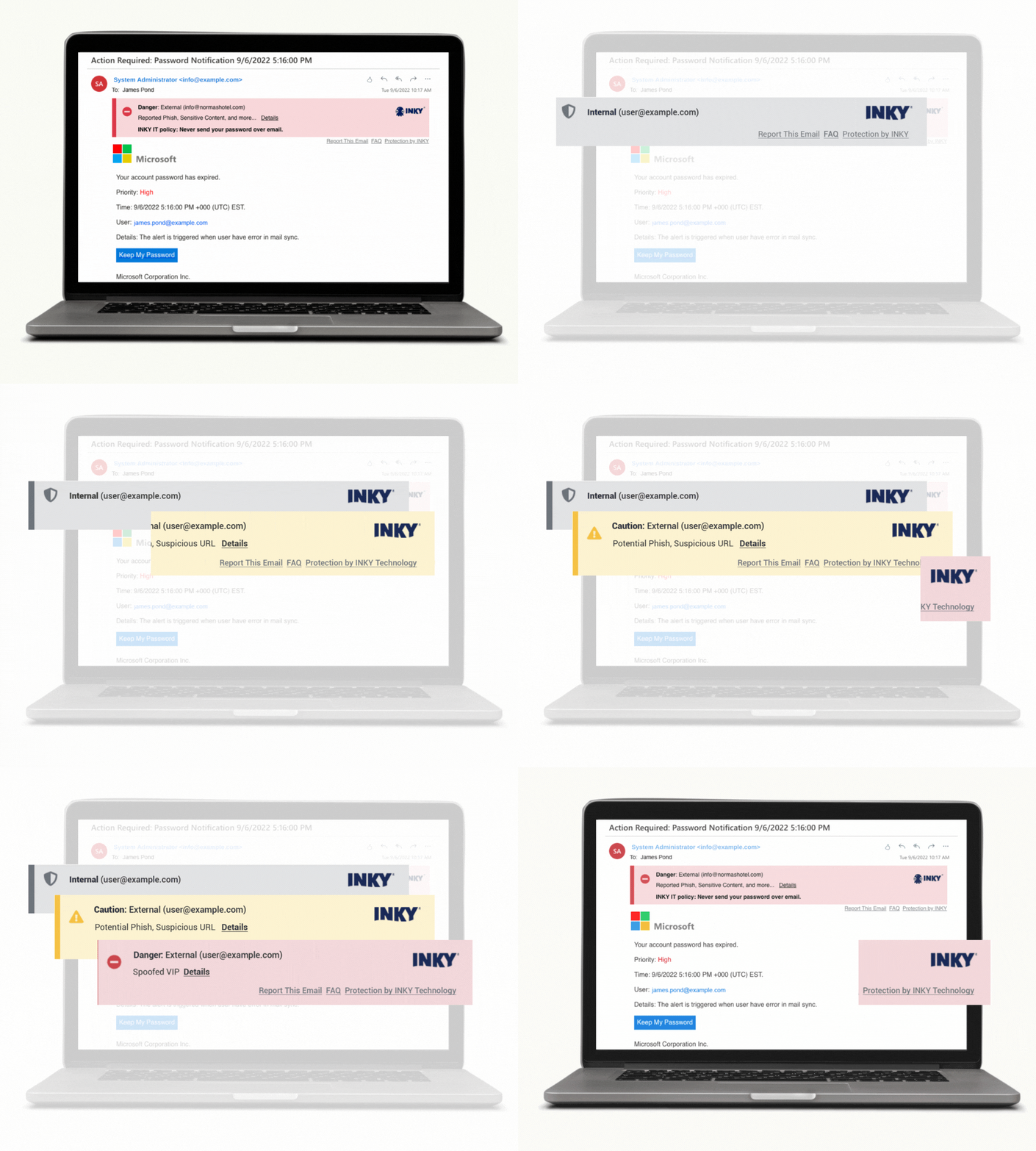 Real-time Phishing Awareness Training